
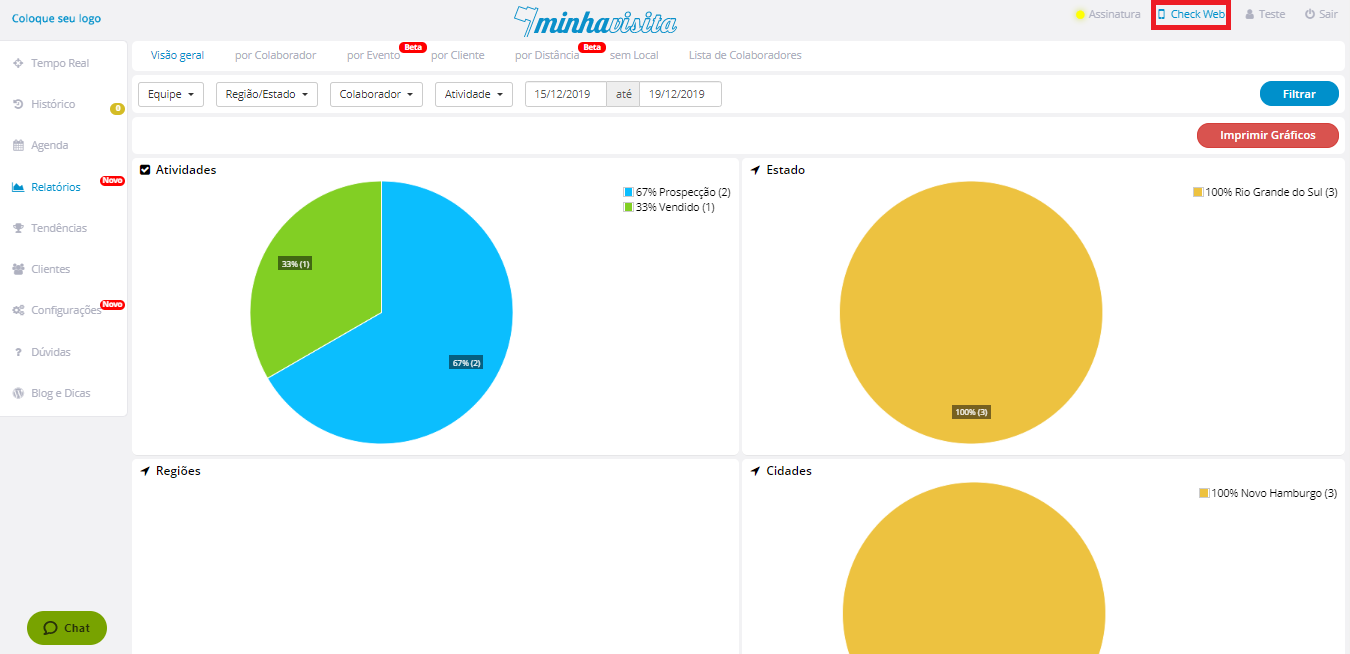
To make web check is very simple, enter into your Web Administrative Portal and click "Check Web" in the upper right corner of the screen.
See the image below:
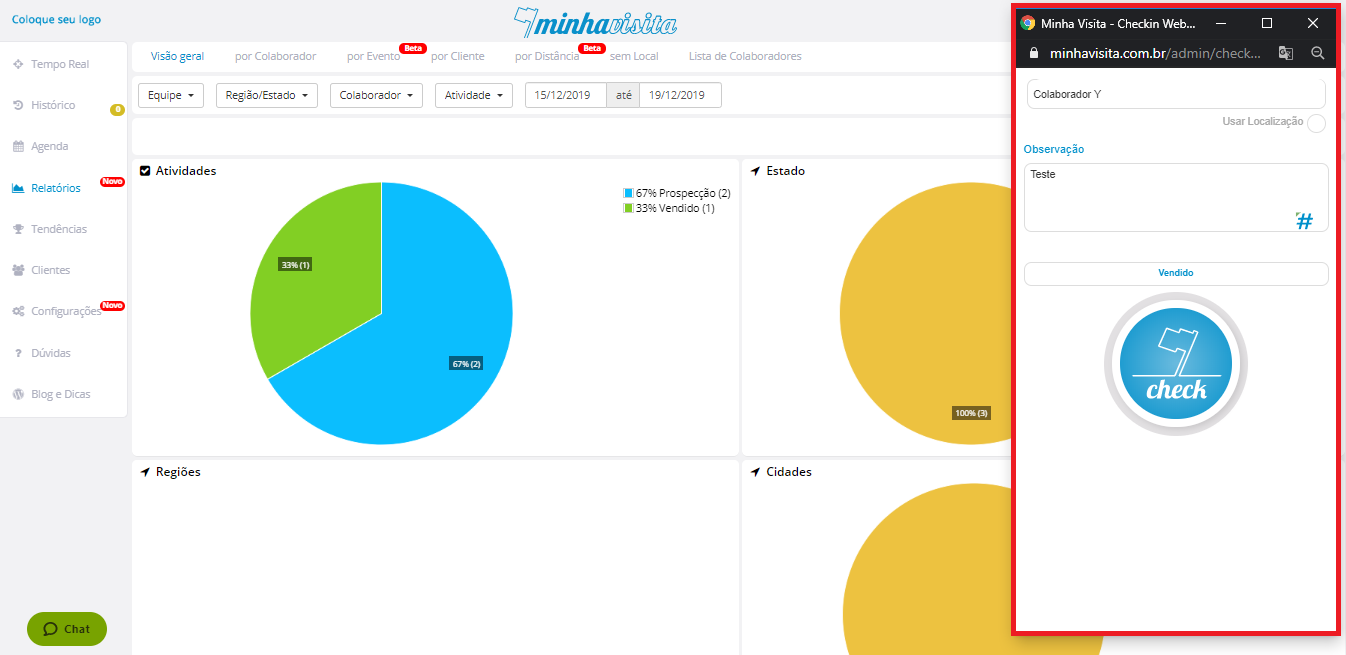
When you open Check Web, you can save any activity performed on a customer by typing the customer name in the customer field, the relevant information in the observation box, and clicking the type of activity performed.
See the image below:
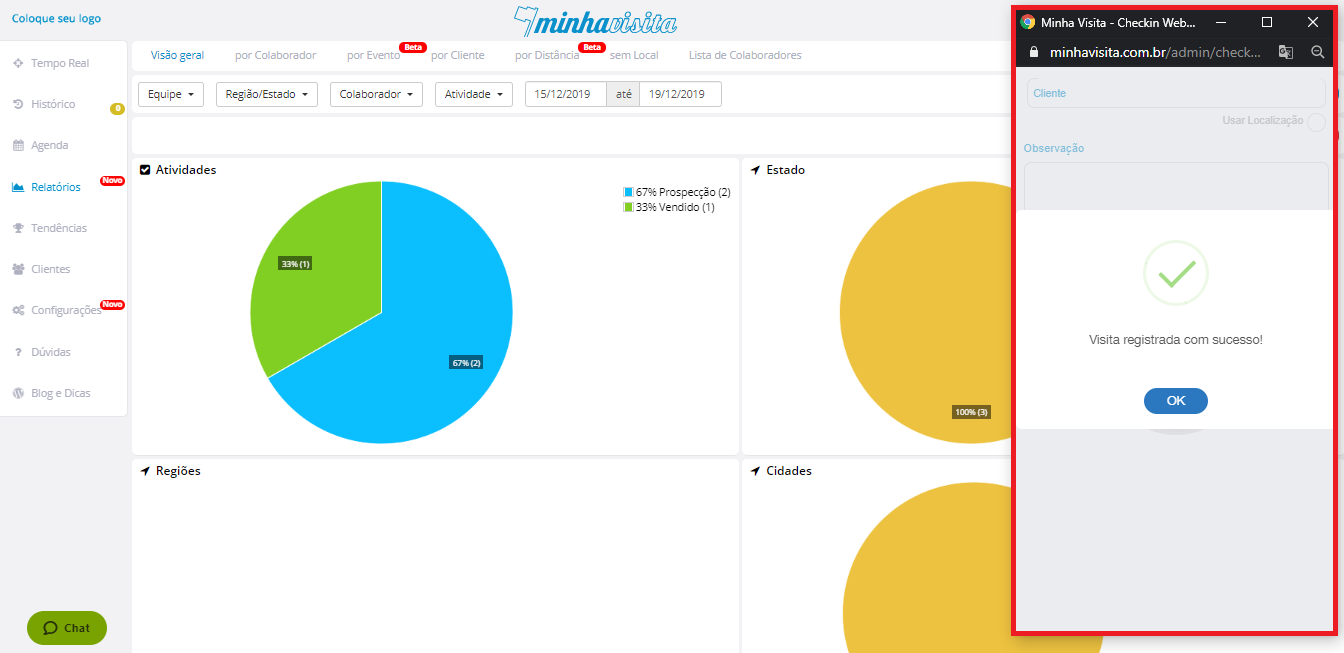
Finally, click on the Check button to save the activity.
See the image below:
Comentários
0 comentário
Por favor, entre para comentar.