
To add custom fields to the customer record, go to "Settings" at the top of the page, select the "Customers" option.
Fill in the name and type field, after that click on “Save”.
See the image below:
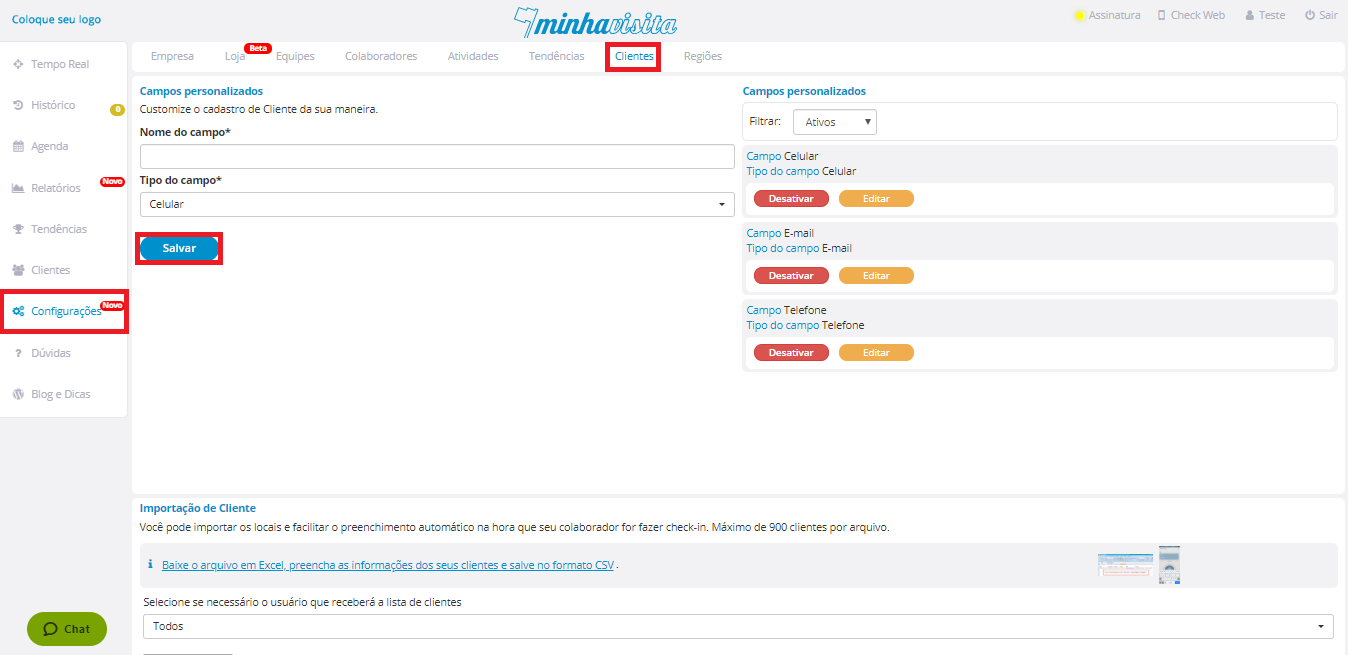
All fields added will be in the right corner of this same page.
Comentários
0 comentário
Por favor, entre para comentar.