
When you make a visit in your application without GPS enabled, your visit is sent to the Visit History without a location.
In the History tab of your Administrative Portal, go to No Location, located at the top.
In the visit that needs to have the place inserted, click on the pencil for editing and enter the address. Ready, visit updated successfully!
See the image below:
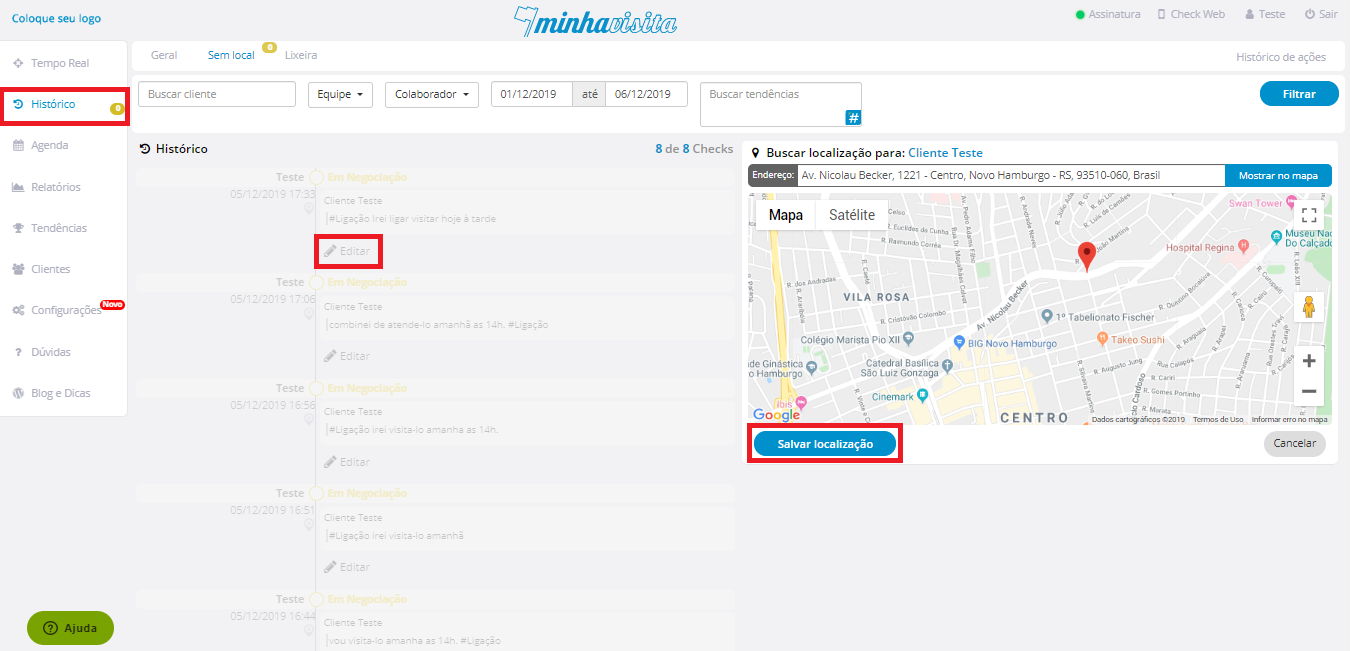
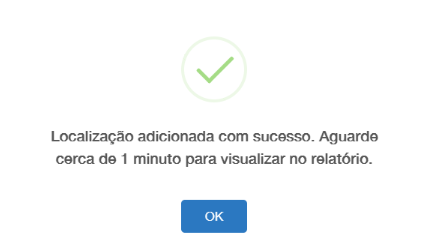
After entering the address, the confirmation message will appear:
See the image below:
Access the page: Bit.ly/HistóricoSemLocal
Comentários
0 comentário
Por favor, entre para comentar.