
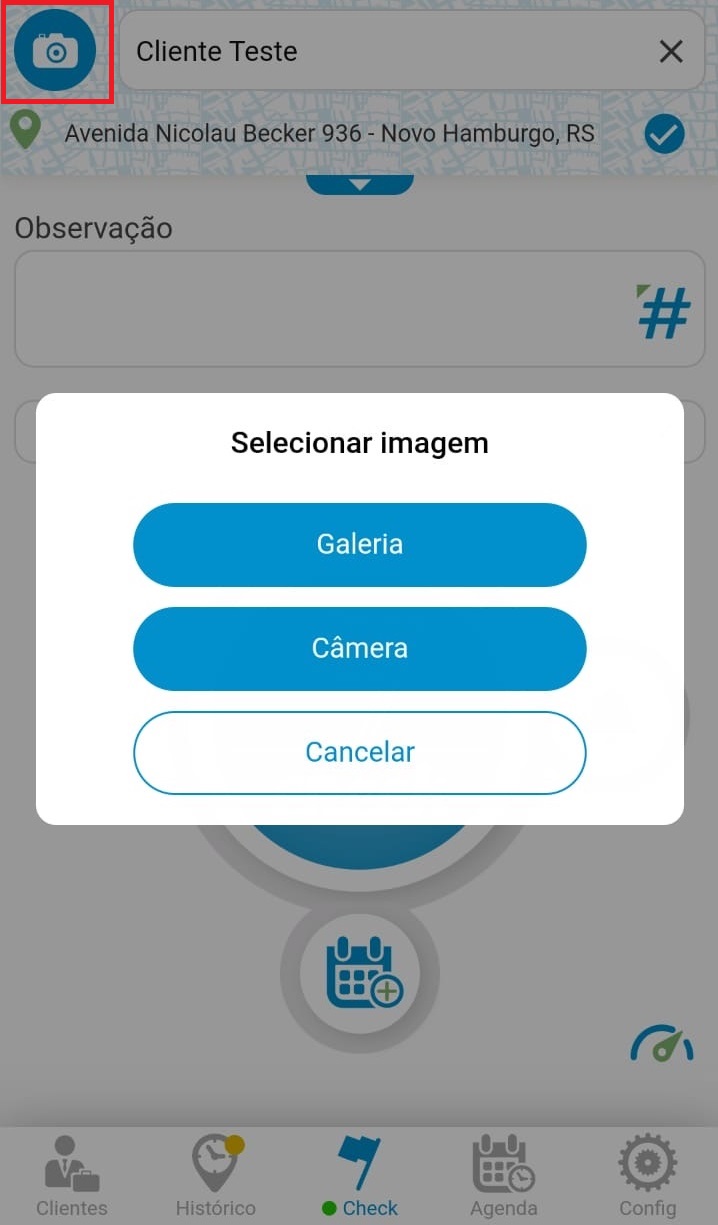
With the Check menu open, click the camera icon at the top of the screen.
Choose whether to take a photo on the spot or upload an image already in your gallery.
See the image below:
After choosing one of the two options and choosing your photo, go to "Share" to upload this image to the cloud, adding it to Check.
See the image below:
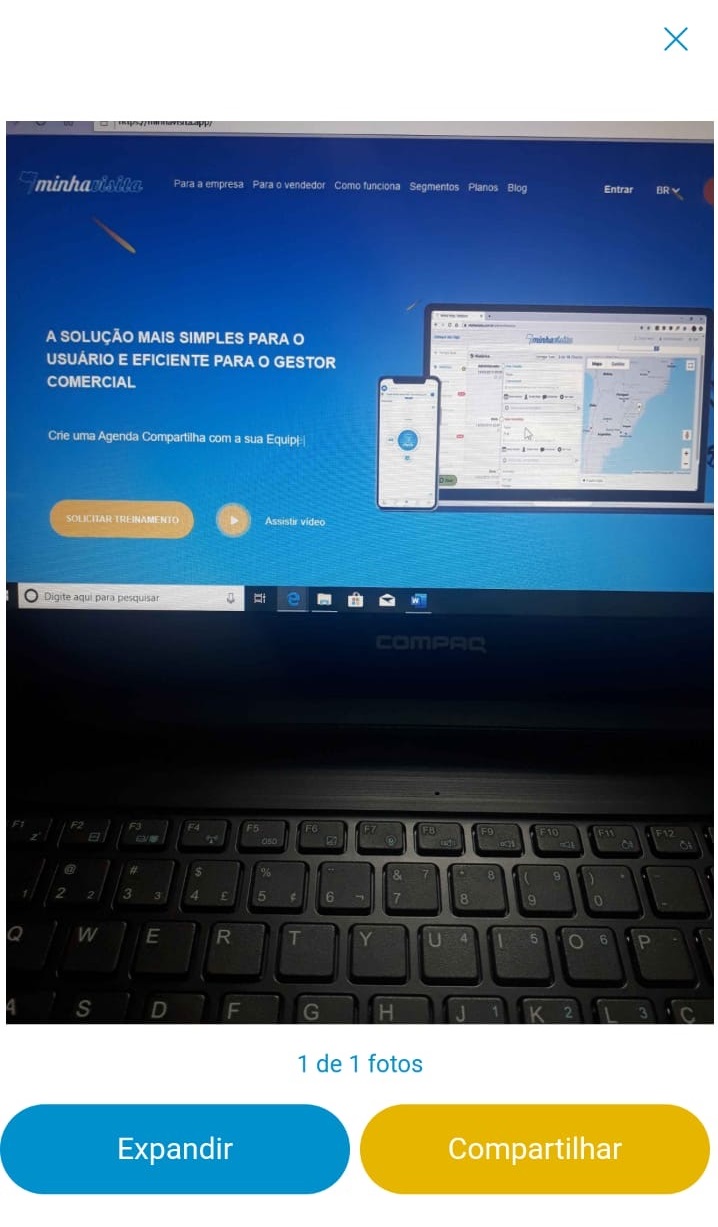
And that's it, image added to your Check!
See the image below:

Comentários
0 comentário
Por favor, entre para comentar.