
To check mileage, you must have KM Rodado active for your account. To activate, click here and see how.
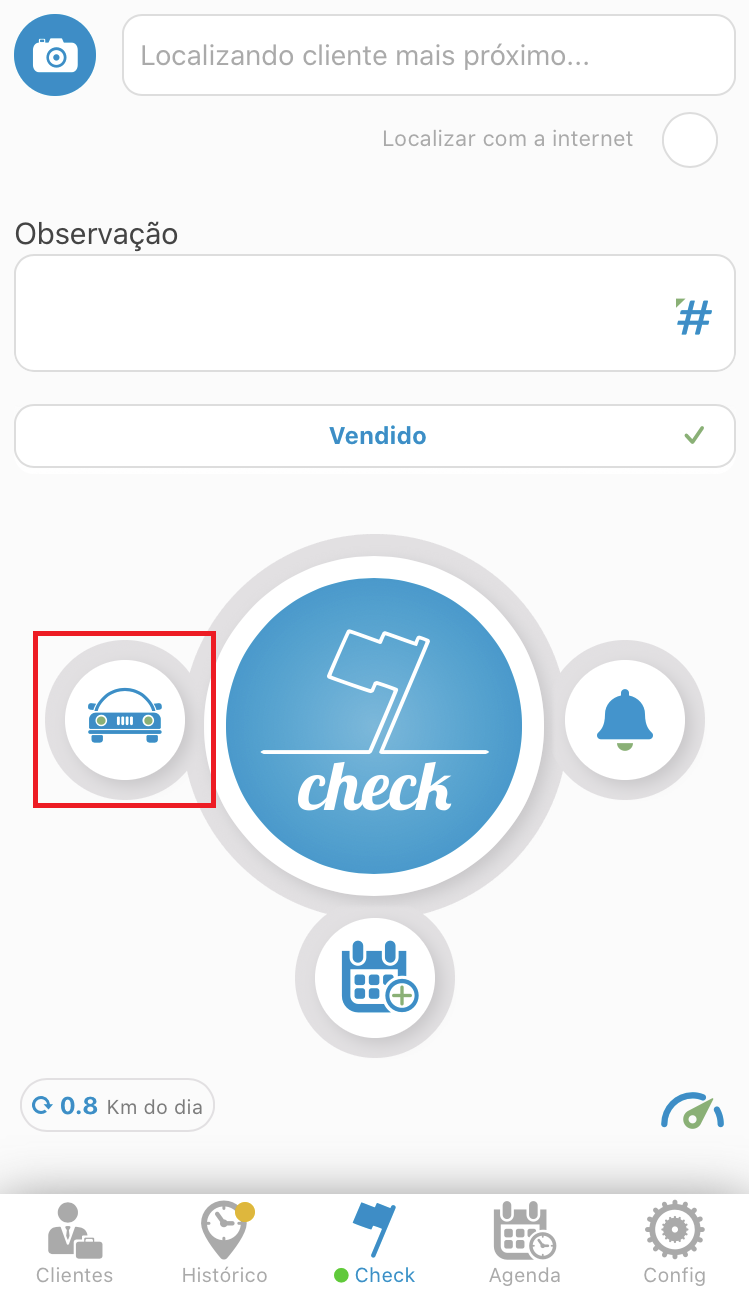
Having the functionality enabled, select the KM Rotated icon (cart) and access the history, located below the map.
Watch the video and see how it works:
Or if you prefer, see the walkthrough below:
See the image below:
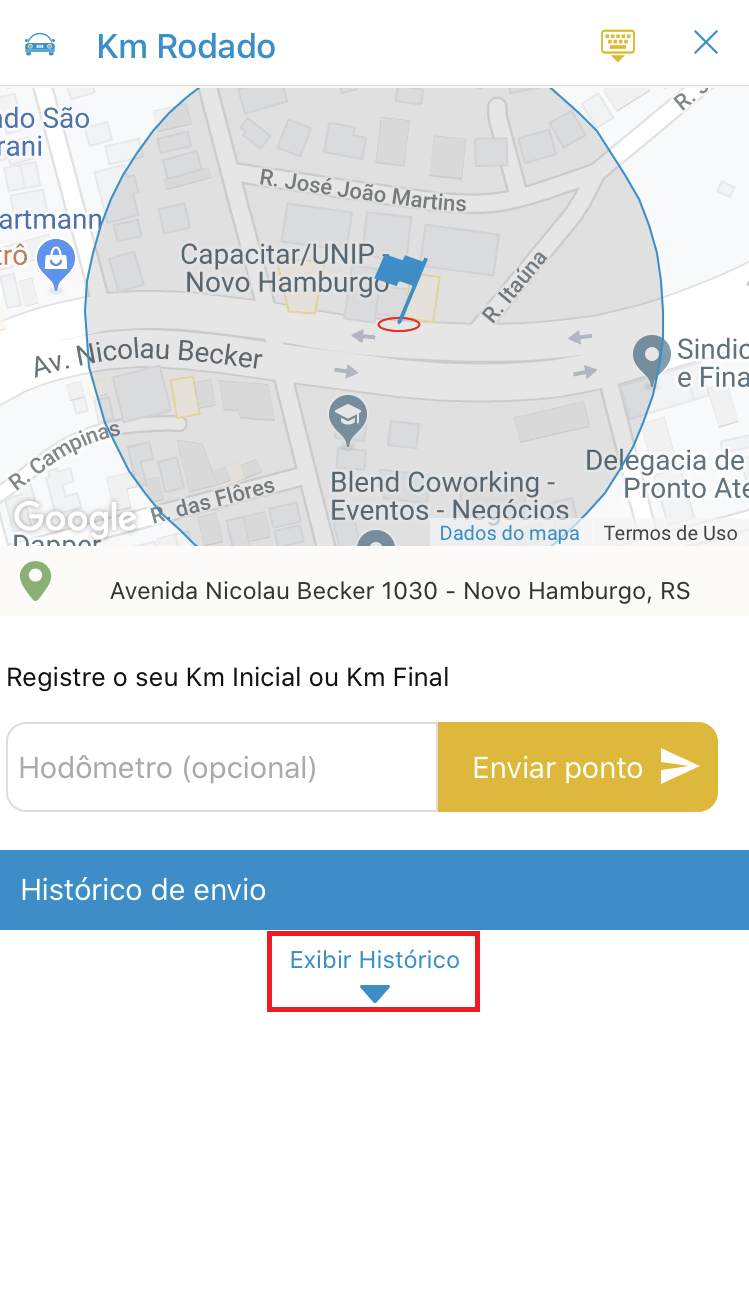
After accessing the rotated KM menu, click on “View History”.
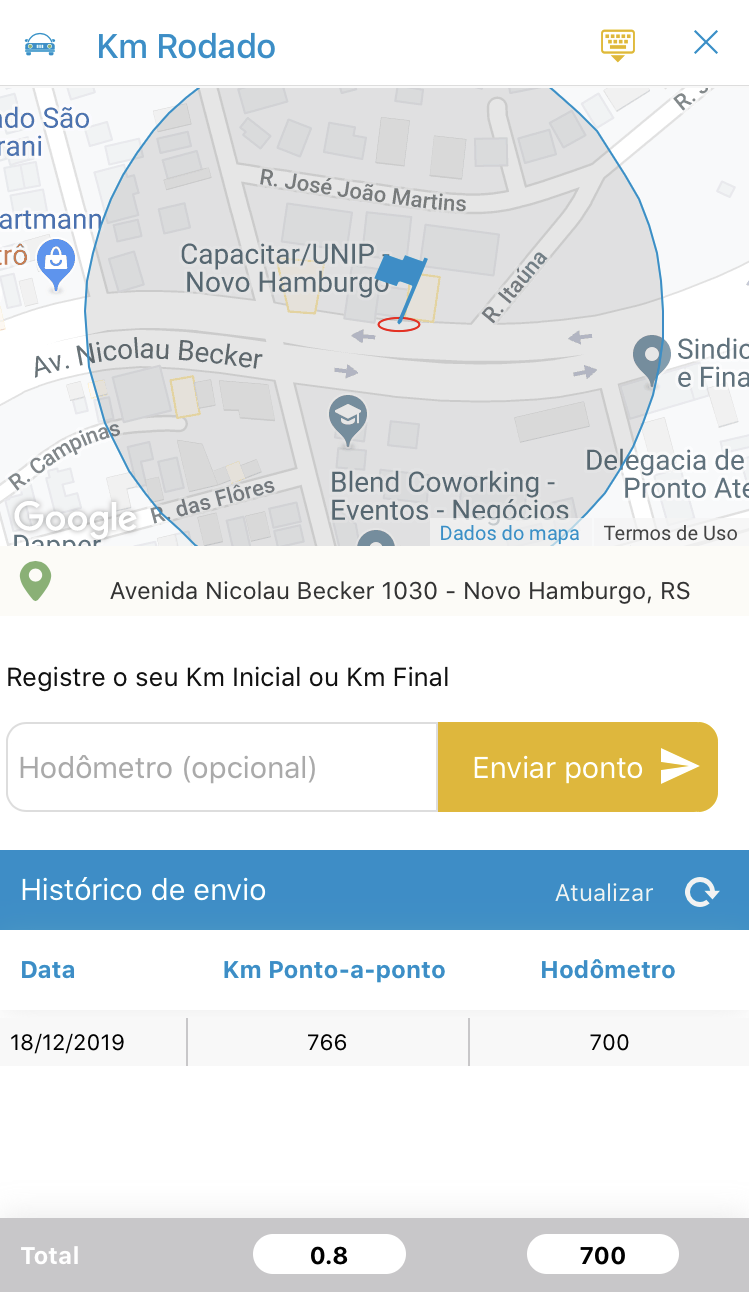
And you're done, you'll have access to your run KM history.
Comentários
0 comentário
Por favor, entre para comentar.