
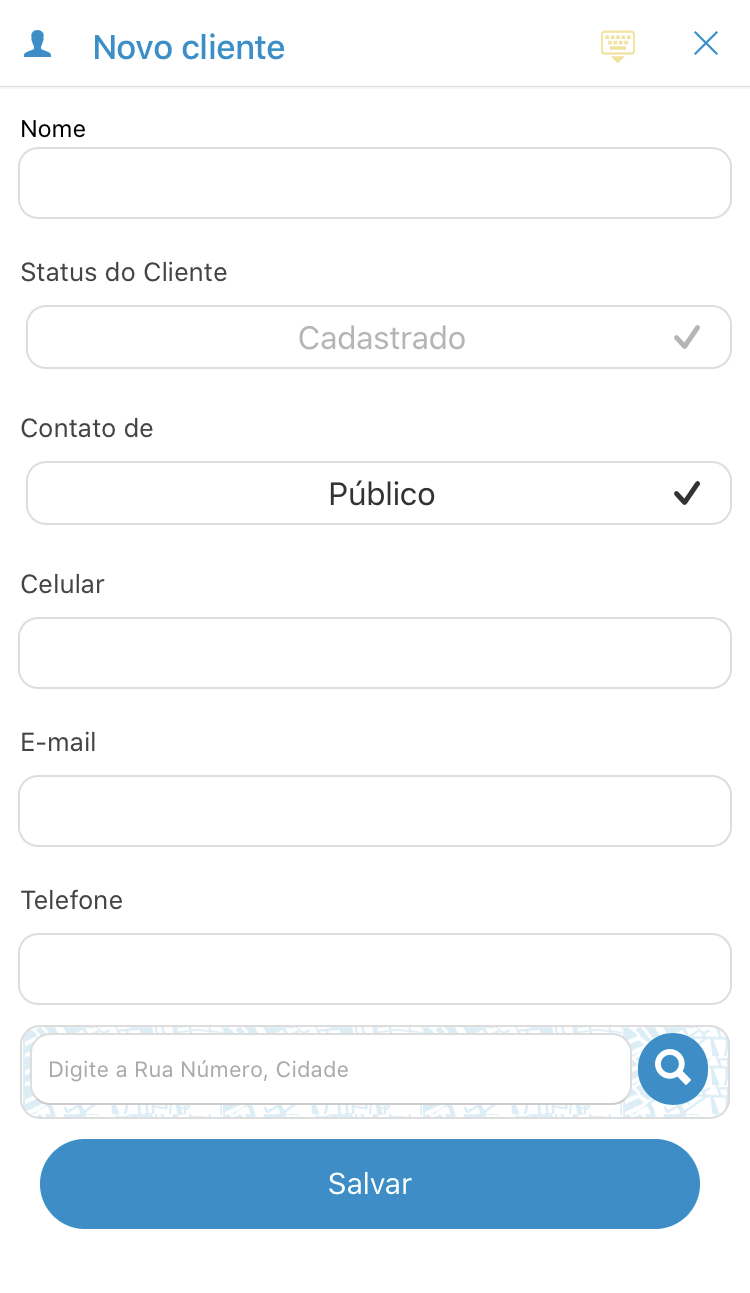
To register a new customer following the step by step below or when you visit directly from the Check screen, it will be automatically registered in your customer base.
Follow the step by step:
See the image below:
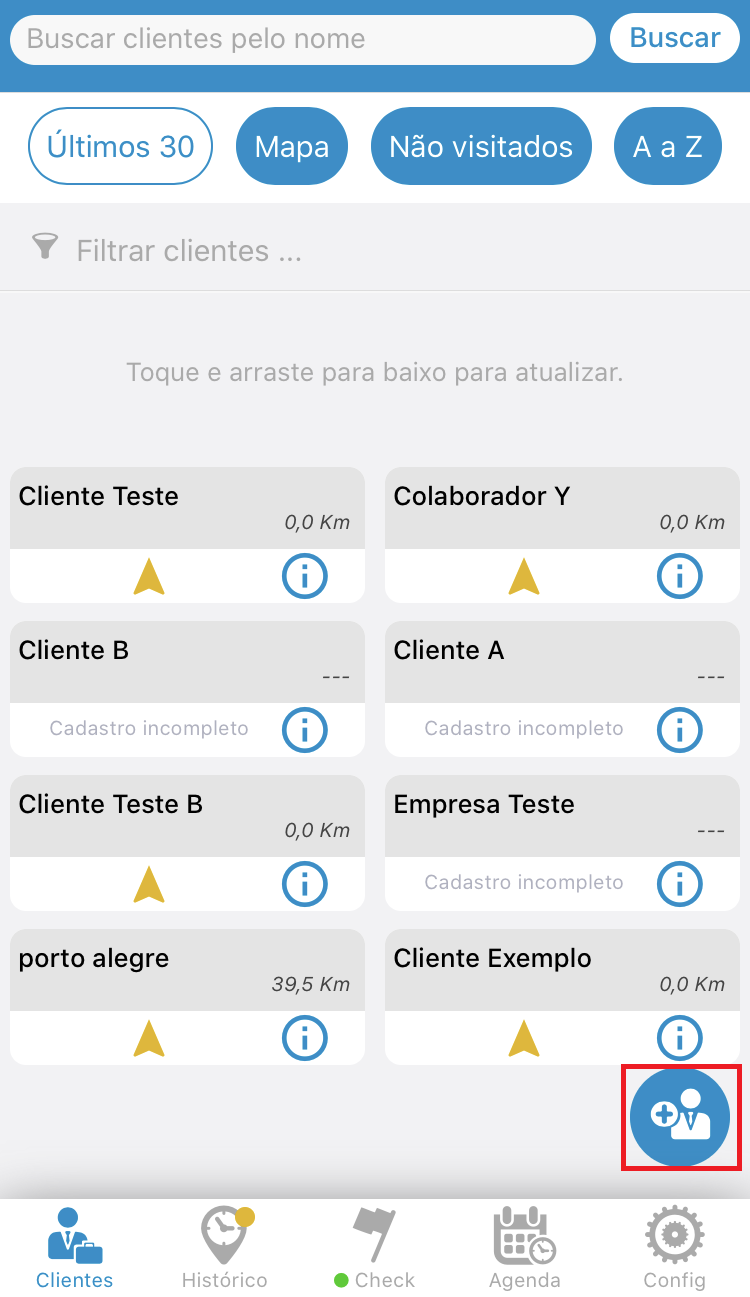
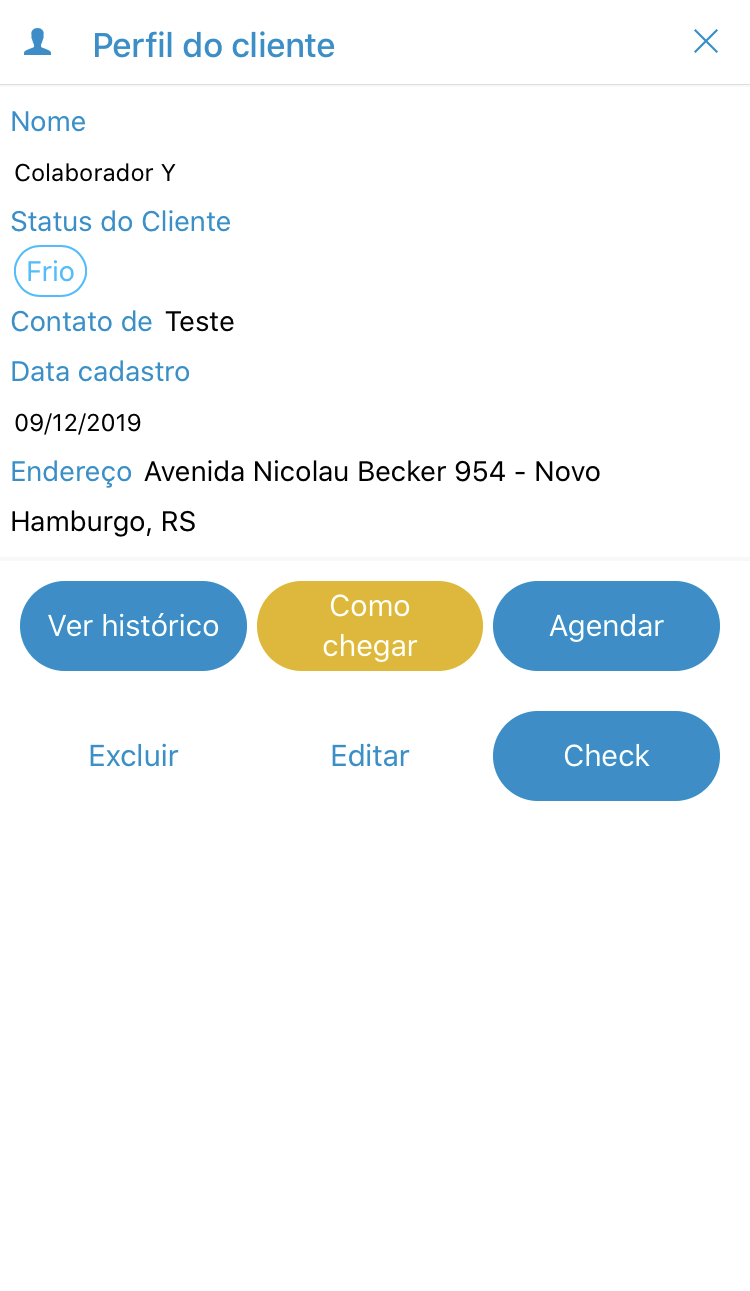
In the Customer screen you can enter, edit and delete the customer. In addition, you have the ability to call, email, and locate on GPS via Get Directions.
See the image below:
Comentários
0 comentário
Por favor, entre para comentar.