
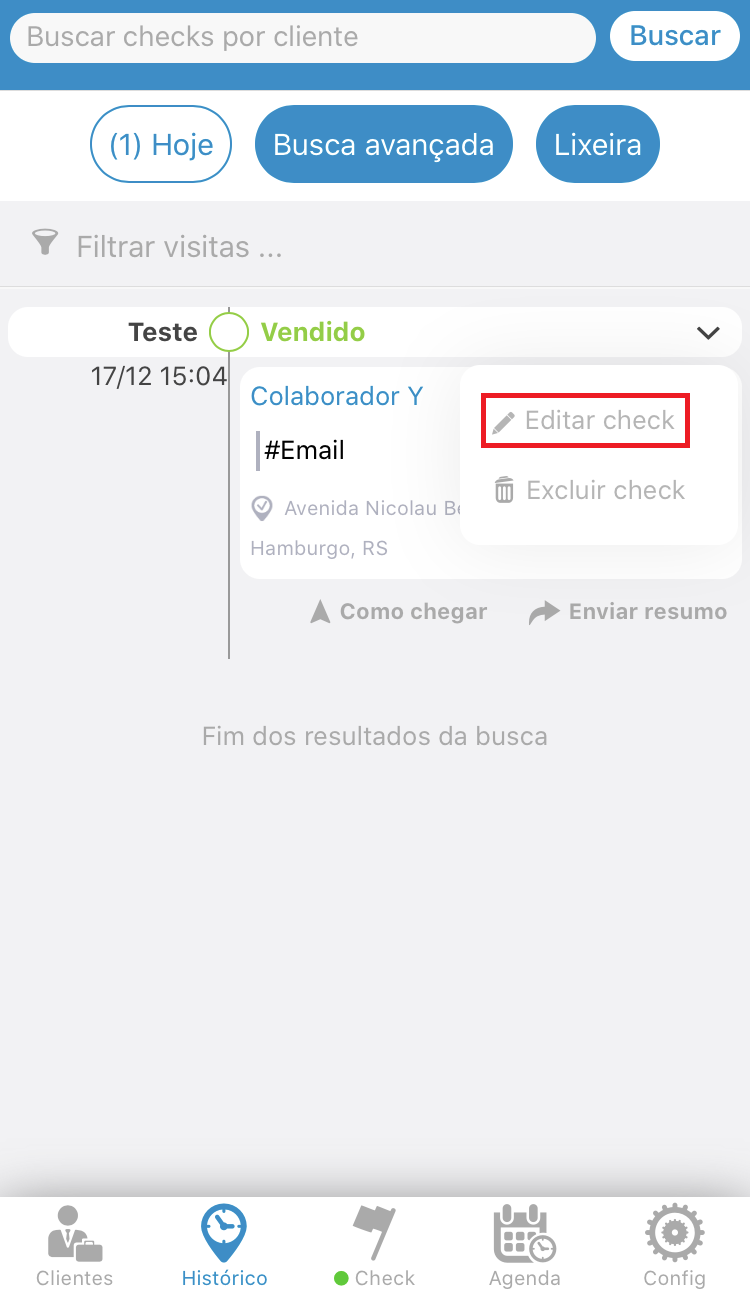
In the "History" tab, select the Check you want to edit, click the icon on the right side (down arrow).
Select the "Edit Check" option.
See the image below:
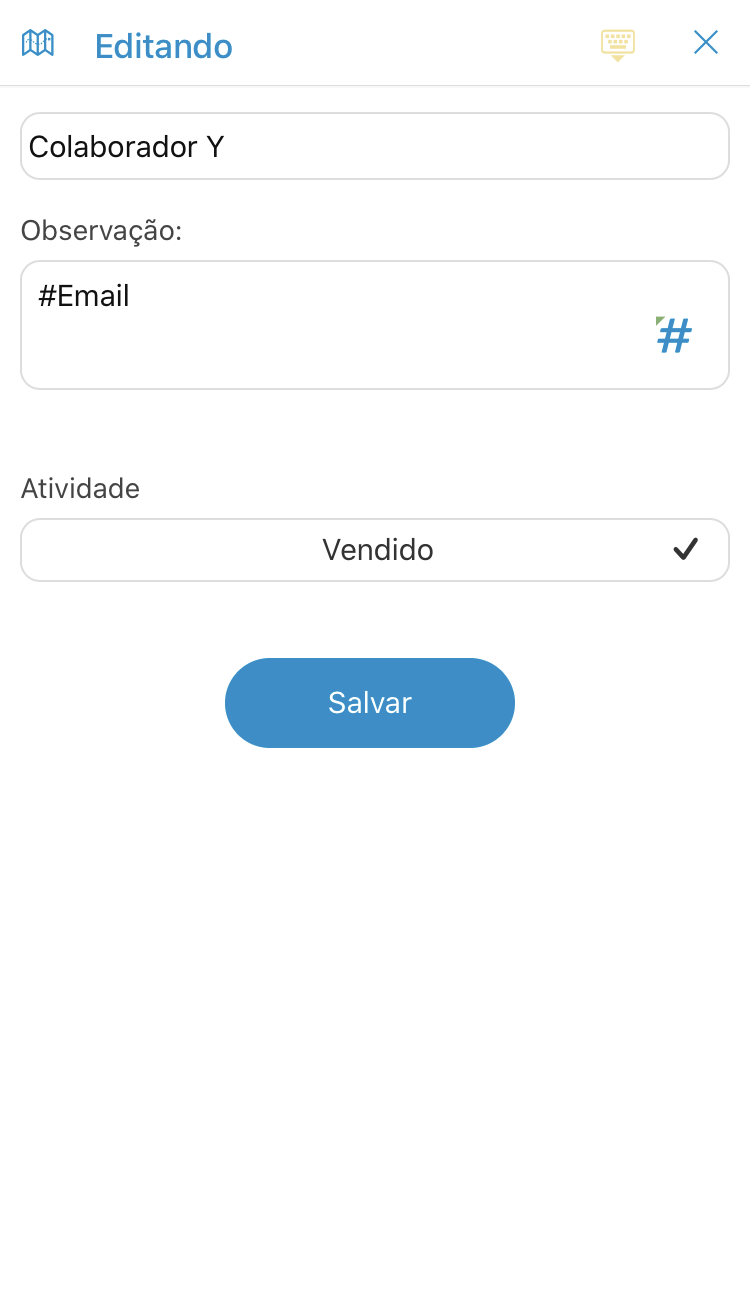
After that will open the check edit menu, after editing it, click on "Save".
See the image below:
Comentários
0 comentário
Por favor, entre para comentar.