
In the "History" tab, go to "Trash" in the upper right corner.
It will open all your deleted Checks in the last 30 days.
See the image below:
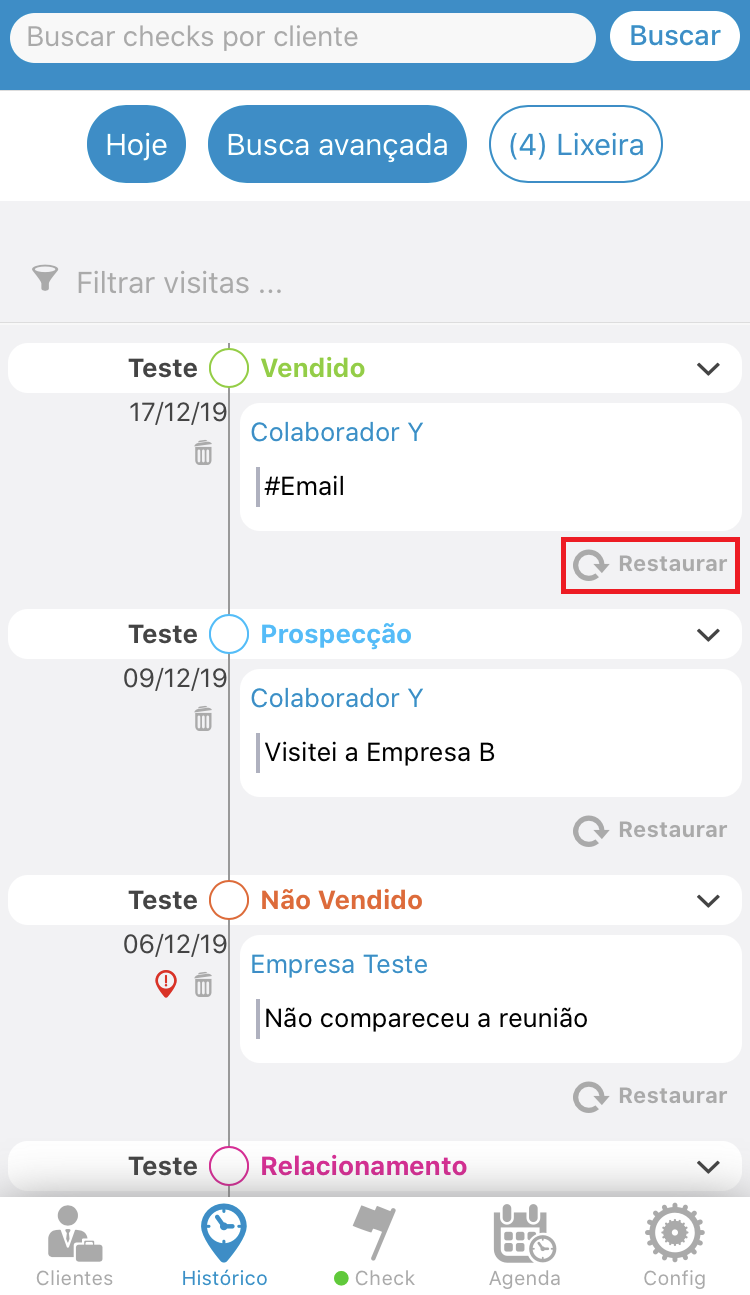
Click "Restore" just below the respective Check you want to restore.
See the image below:
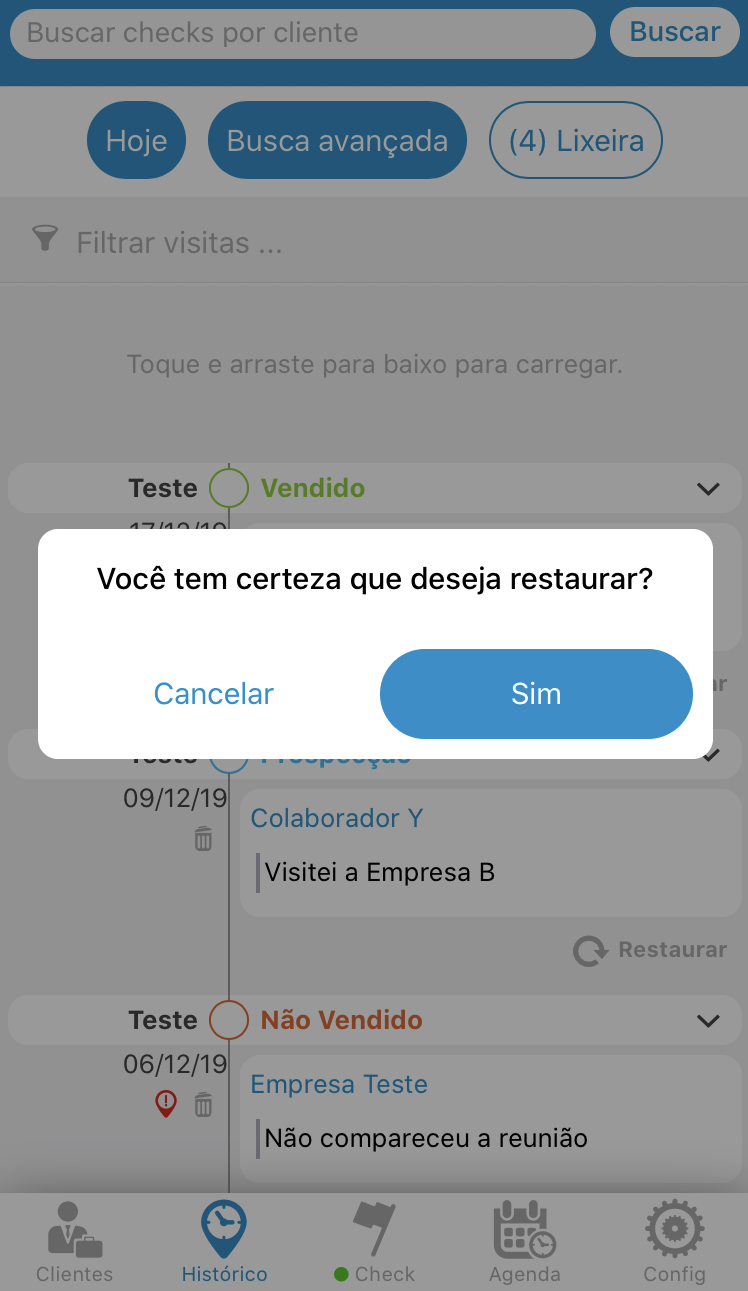
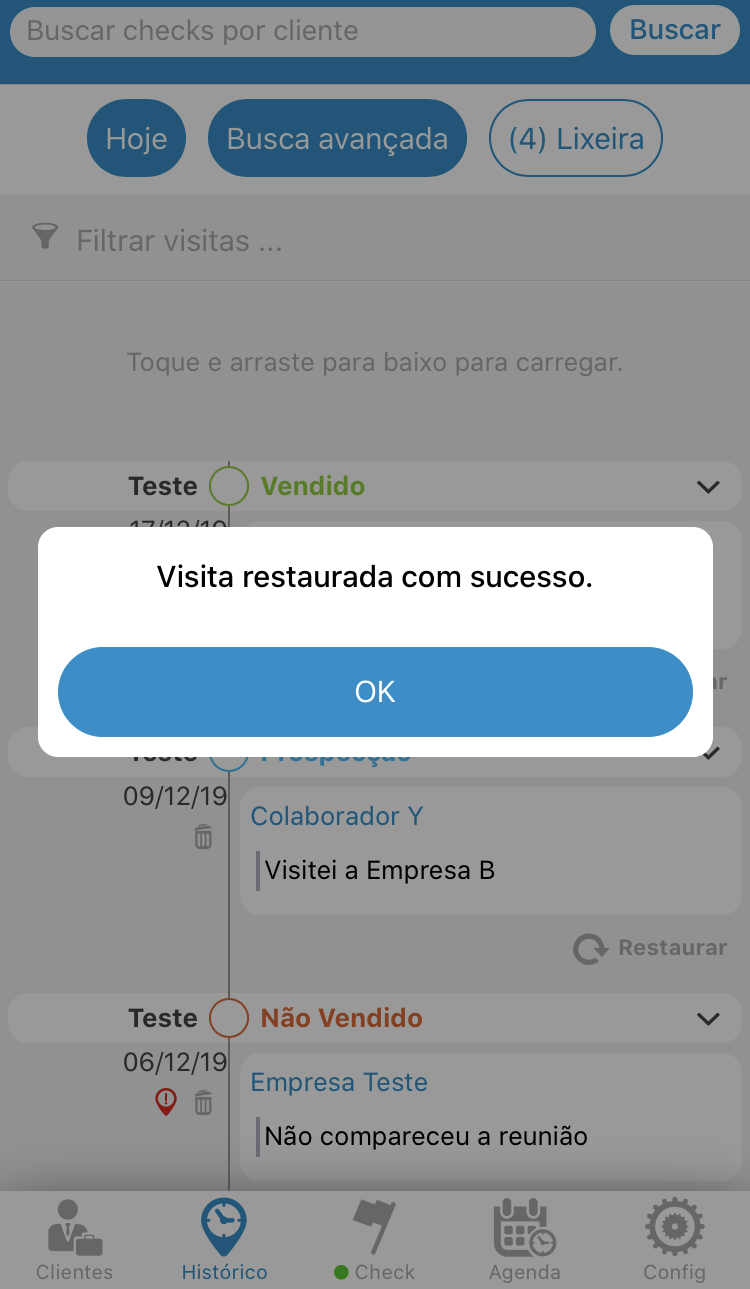
After confirming you will receive one more message that your restore was completed successfully.
See the image below:
Comentários
0 comentário
Por favor, entre para comentar.